Perun V2 Lightning Install Guide
OptimusPrime
04 Jun 2026

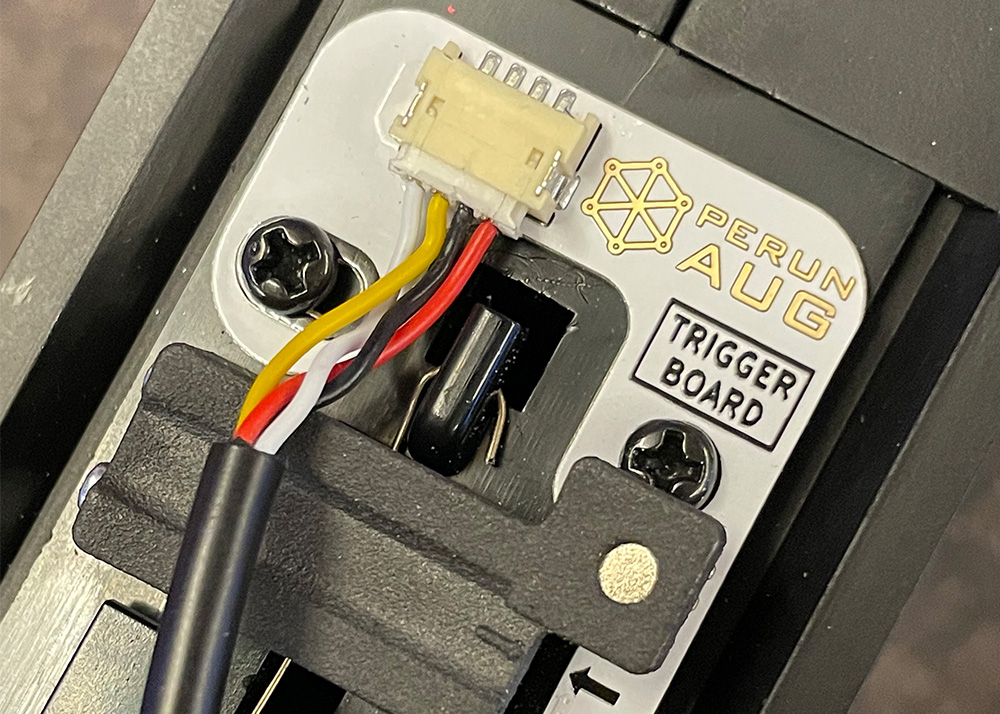
WYSHTECH Airsoft shows how to install the Perun V2 Lightning, a fresh airsoft Electronic Trigger Unit (ETU) that replaces the older Hybrid model. They unbox the unit and highlights physical updates like more rigid wiring, a magnetic selector plate system, and a new 3D-printed magnet holder for the trigger. It seems the days of fussing with stickers for fire mode detection are finally over, which is a relief for anyone who has ever lost a tiny sticker to the gearbox abyss.
A significant portion of the guide focuses on the technical shift in how the unit detects gear cycles. Unlike its predecessor, the Lightning uses an infrared sensor to track the cam on the back of the sector gear, which provides much more reliable timing. They demonstrate this by running tests with high-speed motors and different gear sets, proving that the gear stops in the same place every time. It is basically the difference between a car that stops at the red light and one that decides the intersection is merely a suggestion.
The final section provides a detailed walkthrough of the installation and calibration process. Viewers are guided through shimming the trigger, routing the wires to avoid pinches, and performing a sensor check before fully closing the gearbox. A few pro tips are shared such as using superglue to secure screws and checking for clearance between the trigger and the wiring. By the end, the unit is shown to handle rapid semi-auto fire and even heavy-duty gear setups with ease, making the upgrade look like a smart move for any airsoft tech.